
Author: Youngjin Kang Date: August 15, 2026
ThingsPool, an immersive browser-based metaverse app, now supports two distinct game modes - "Play Mode" and "Edit Mode".
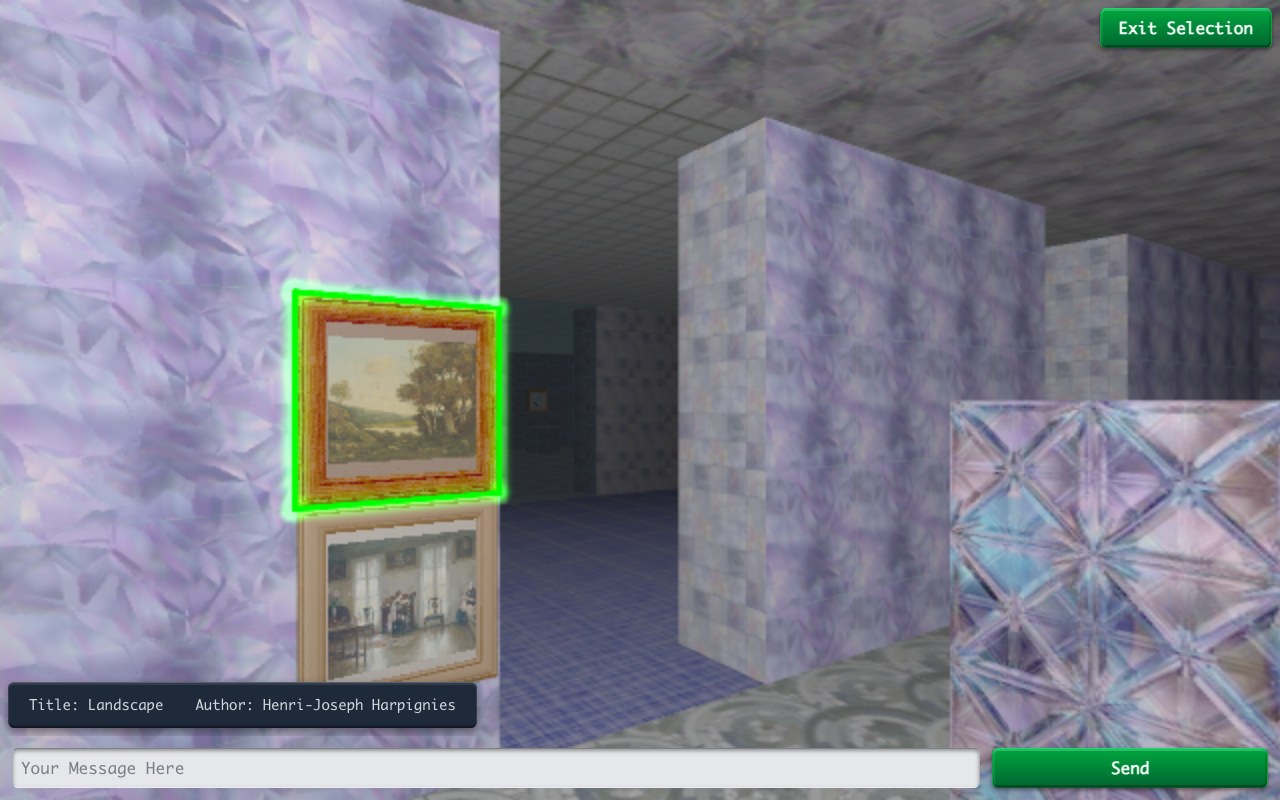
In Play Mode, you will be engaging in all sorts of rich gameplay experiences - such as inspecting, attacking, picking things up, eating, and so on.
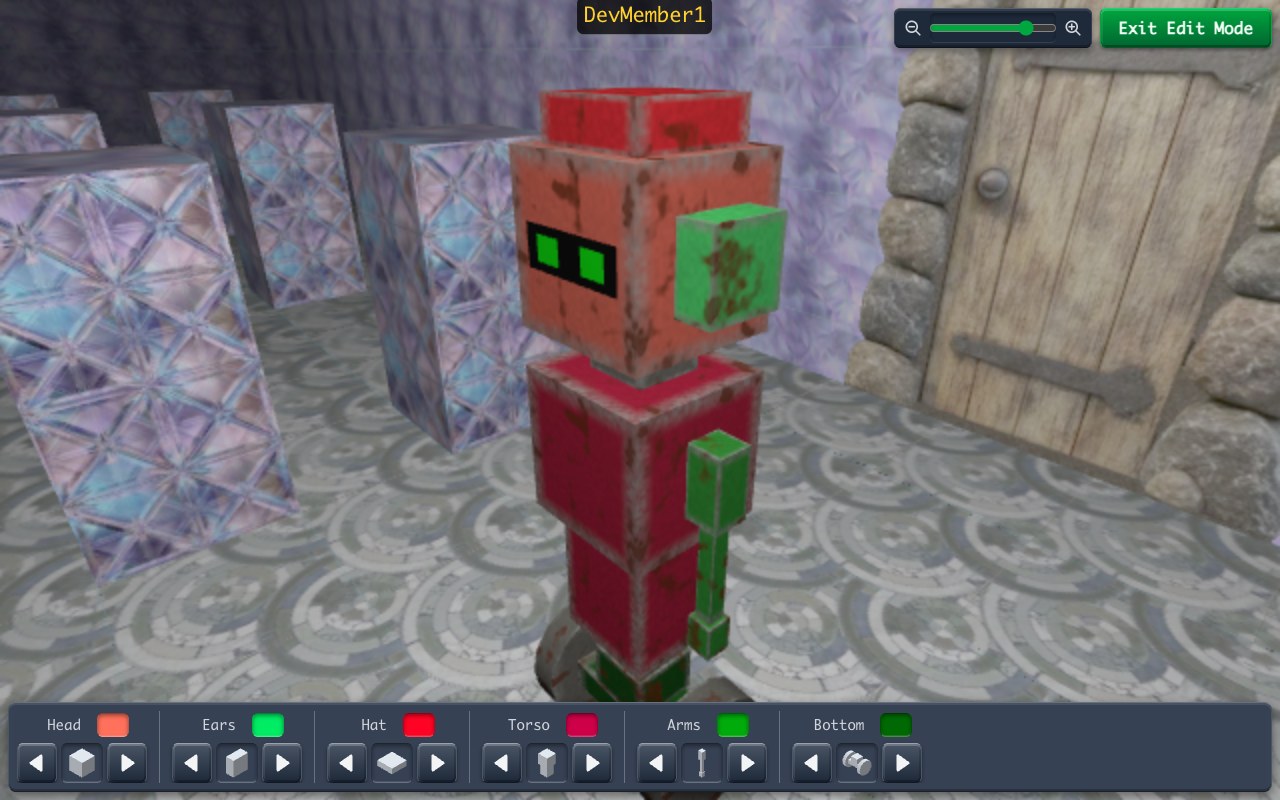
In Edit Mode, on the other hand, you will be editing the room's walls, floors, ceilings, doors, staircases, furniture, and a variety of other hidden corners.
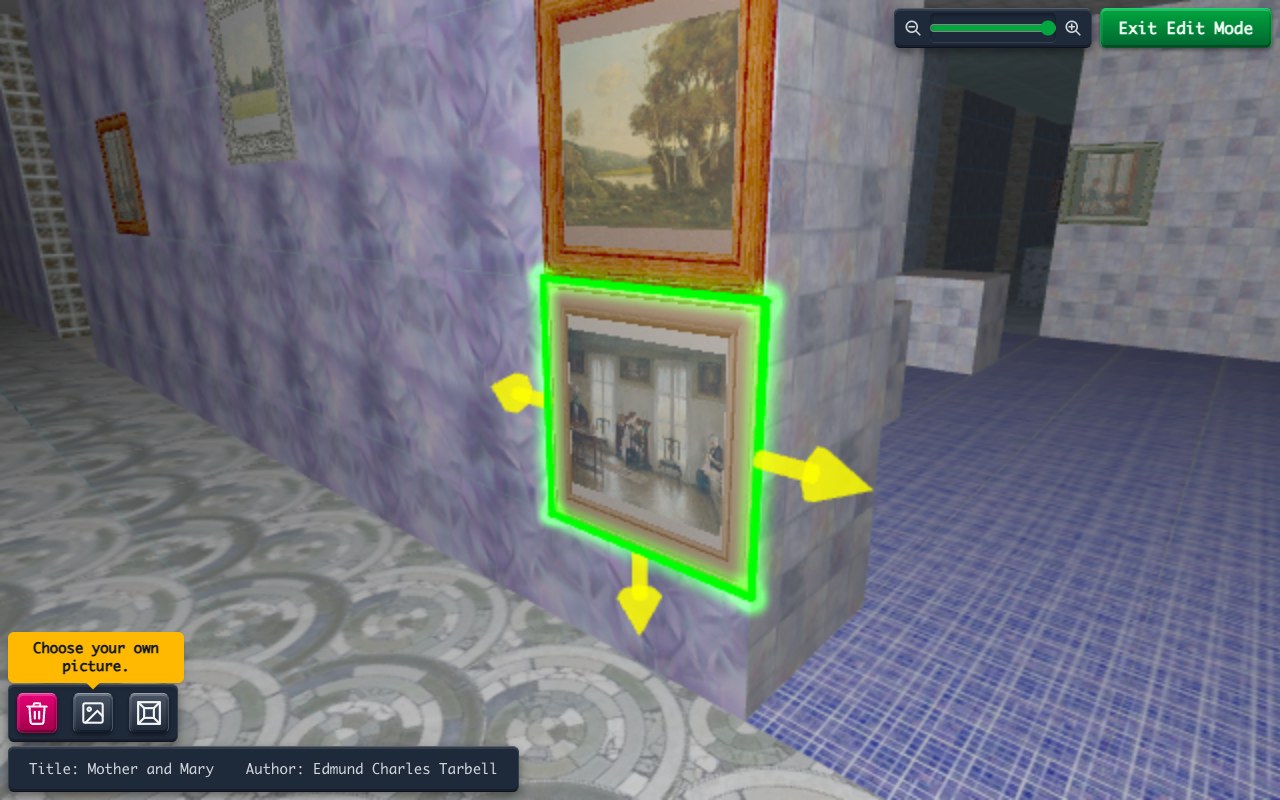
Enter the Edit Mode, and click anything you see; you will fly in mid air, chasing what you are editing in real time!
#ThingsPool #VirtualWorld #Sandbox #BrowserGame #MultiplayerGame #IndieGame #GameDev #InteractiveMedium #GameMechanics #GameplaySystems #LevelEditor #CameraControl #Avatar #ThreeJS #WebGL
Previous Page Next Page
© 2019-2026 ThingsPool. All rights reserved.
Privacy Policy Terms of Service